Count your days in every country. Keep the receipts.
Domiseye is for people who live and work across borders. It keeps a secure log of where you were each day, counts it against your limits, and files your travel records with the days they cover.
Coming to iPhone.
If you…
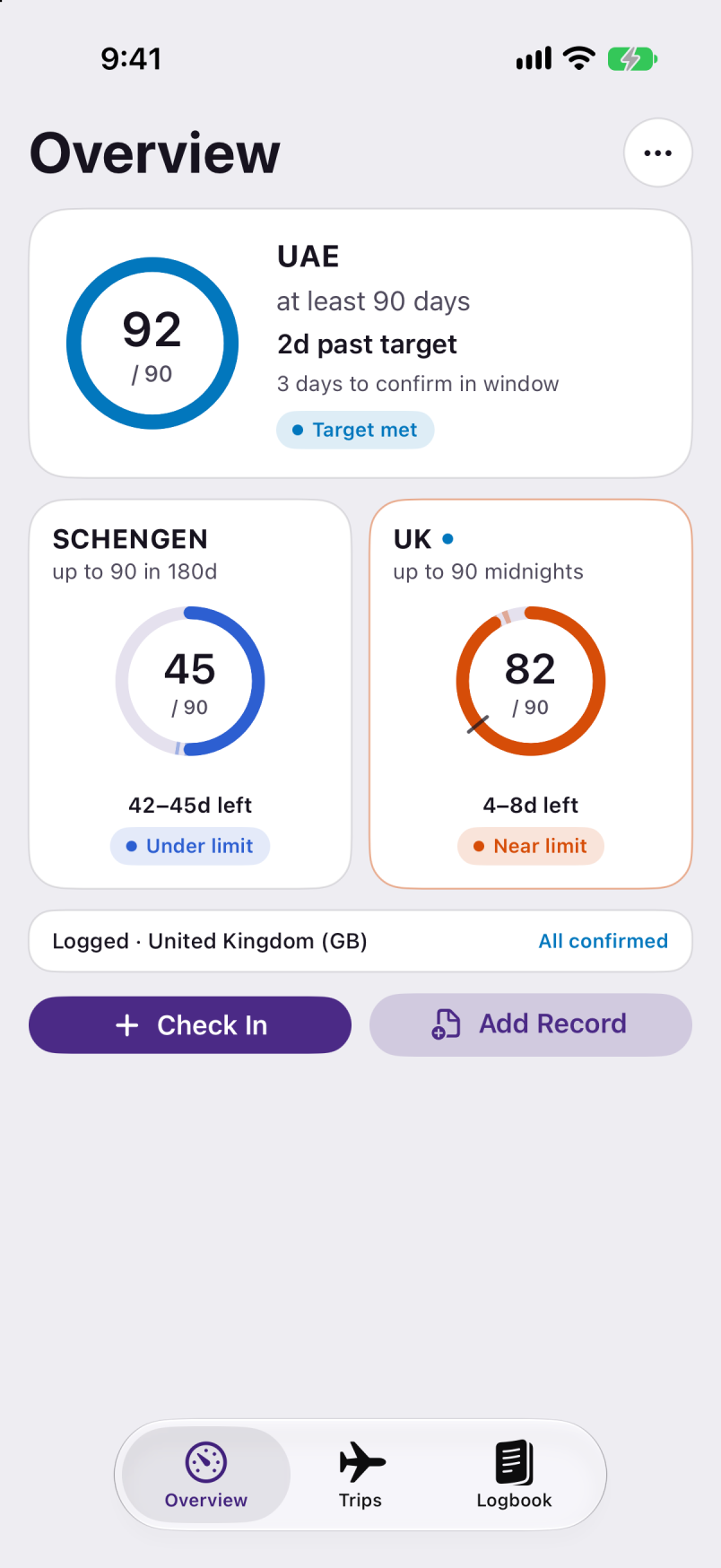
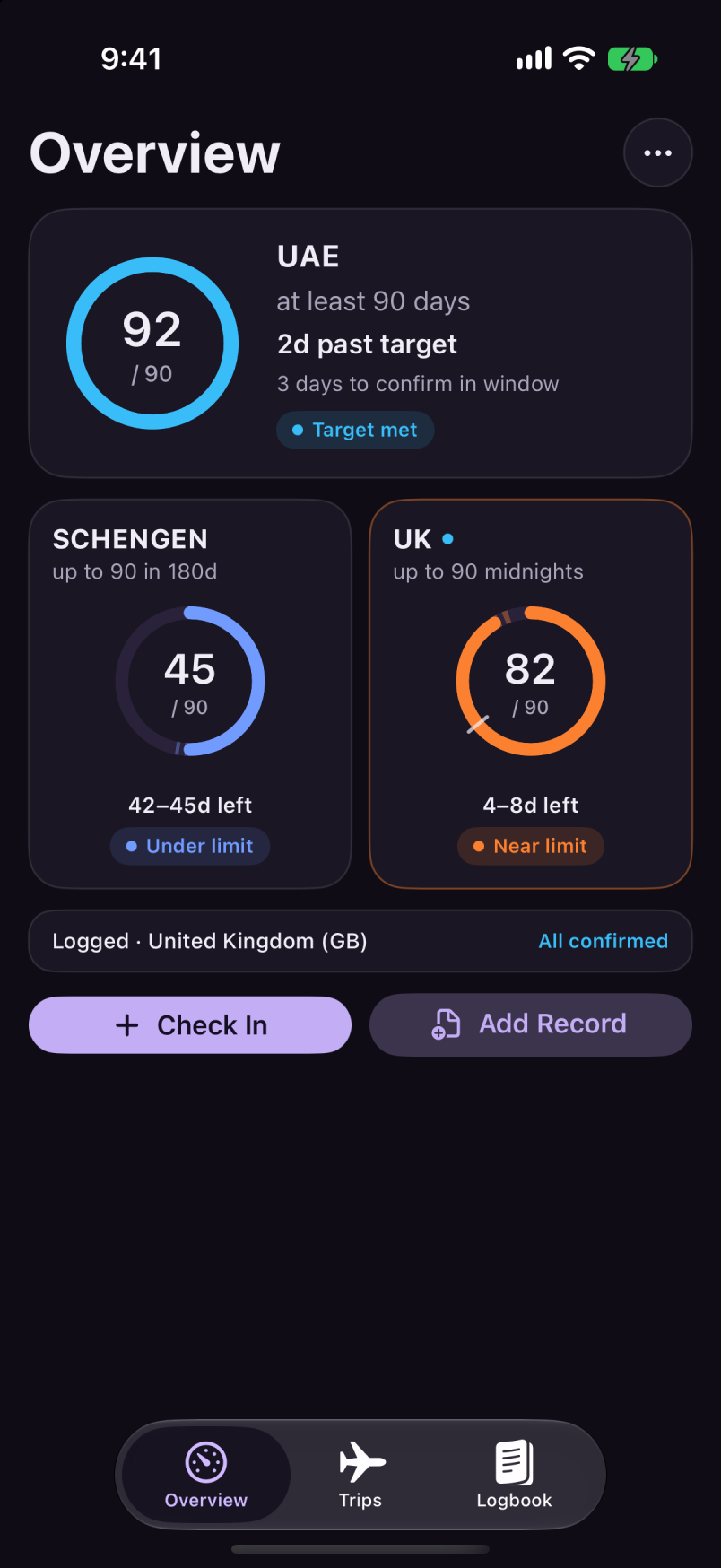
- can spend up to 90 midnights in the UK this tax year, and you’d rather not find out you hit 91.
- are in Europe without a visa and the 90-in-180 window keeps sliding under you.
- need 60 days in Cyprus, or 183 in Puerto Rico, and someone is going to ask you to show it.
- want to know when your upcoming plans overlap with your closest friends.
What it does that a spreadsheet won’t
-
It tells you when it isn’t sure.
Phones lose signal. Flights cross midnight. Some towns sit on a border. Domiseye flags those days for confirmation rather than making assumptions.
-
Your receipts stay with the day.
Share a boarding pass, a Wallet pass, a hotel bill or a photo to Domiseye. It keeps the original file, unchanged, on the day it covers.
-
Your travel history is yours.
Your log lives on your iPhone and in your own iCloud backup. We never see where you’ve been.
-
Something real to give your accountant.
Export a summary, the day-by-day log and the original files in one pack, instead of a spreadsheet and a folder of screenshots.
Domiseye Horizon
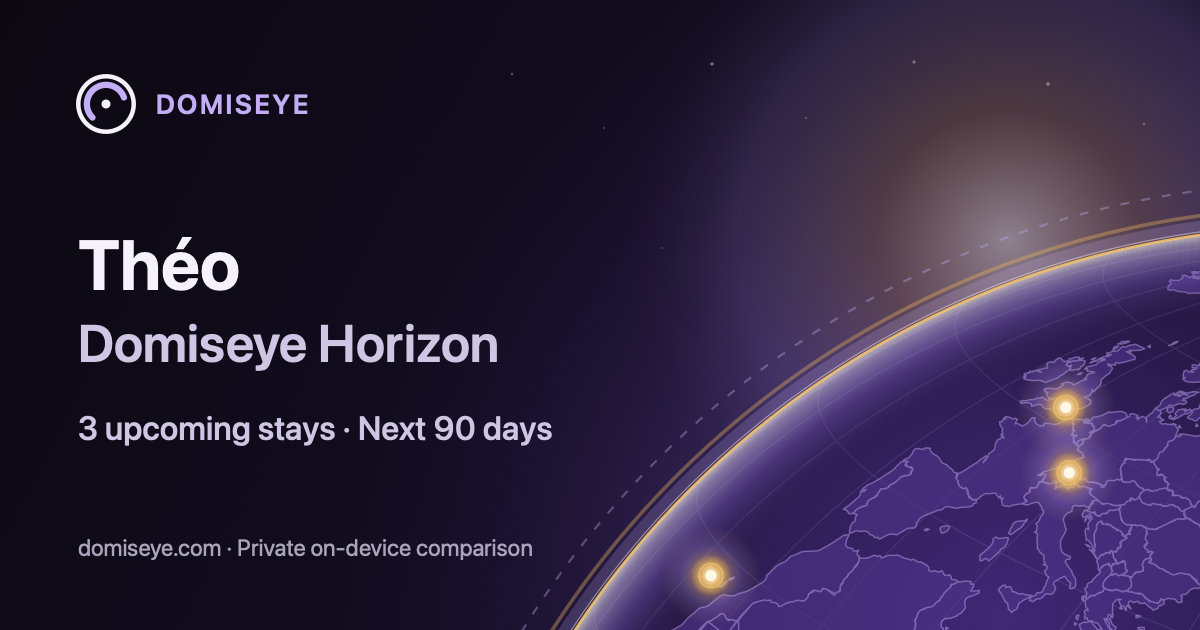
Share a Domiseye Horizon card.
Pick the upcoming trips you want to share and drop a card into Messages or WhatsApp. Friends can see where your dates overlap.
A Horizon card shares only the trips you pick, never your past log, limits, targets, day counts or GPS. The details travel inside the link itself.
How it works
-
Set your limits.
Pick from UK, Schengen, UAE, Cyprus, Puerto Rico, or make your own.
-
Live your life.
Log days by hand for free, or let the app log them in the background (Pro subscription required).
-
Check in when it matters.
See what’s left, settle the days it flagged, and try out a trip before you book it.
Free to use. Logging by hand, every counter, the trip planner, Domiseye Horizon links, CSV export and iCloud backup cost nothing. A Pro subscription includes automatic logging, attached records and the accountant pack.
Questions
- Doesn’t passport control already record this?
- Partly. Nobody checks passports when you drive from France to Spain, and a border record shows when you crossed, not where you slept. When the count is close, it’s usually up to you to show your days. Domiseye keeps your own record as you go, and you can check it against the official one.
- Will it tell me which country I owe tax to?
- No. Domiseye counts days. What those days mean for you depends on rules and facts it doesn’t know, so it doesn’t guess. Take the pack to an adviser.
- What does a Domiseye Horizon link share?
- Only the upcoming regions and dates you pick, and your name if you add one. The link preview also shows how many stays there are and the date range. Past days, limits, targets, day counts, GPS and receipts stay on your iPhone. Anyone with the link can see what’s in it, including people it’s forwarded to. The details sit after the
#in the link, which browsers don’t send todomiseye.com. - Where is my data?
- On your iPhone, and in your iCloud if you turn on backup. With Advanced Data Protection on, the backup is end-to-end encrypted. Without it, Apple holds the keys, like the rest of your iCloud.
- Is there an Android version?
- No. iPhone only.
- When is it out?
- When it’s ready. Leave your email and we’ll send you one email when it is.